 Profile
Mastery Guide
CREATE A PROFILE THAT CONVERTS
Your profile is often the first impression a client has of your business. A complete, professional profile helps clients understand who you are, see what you can do, and book with confidence.
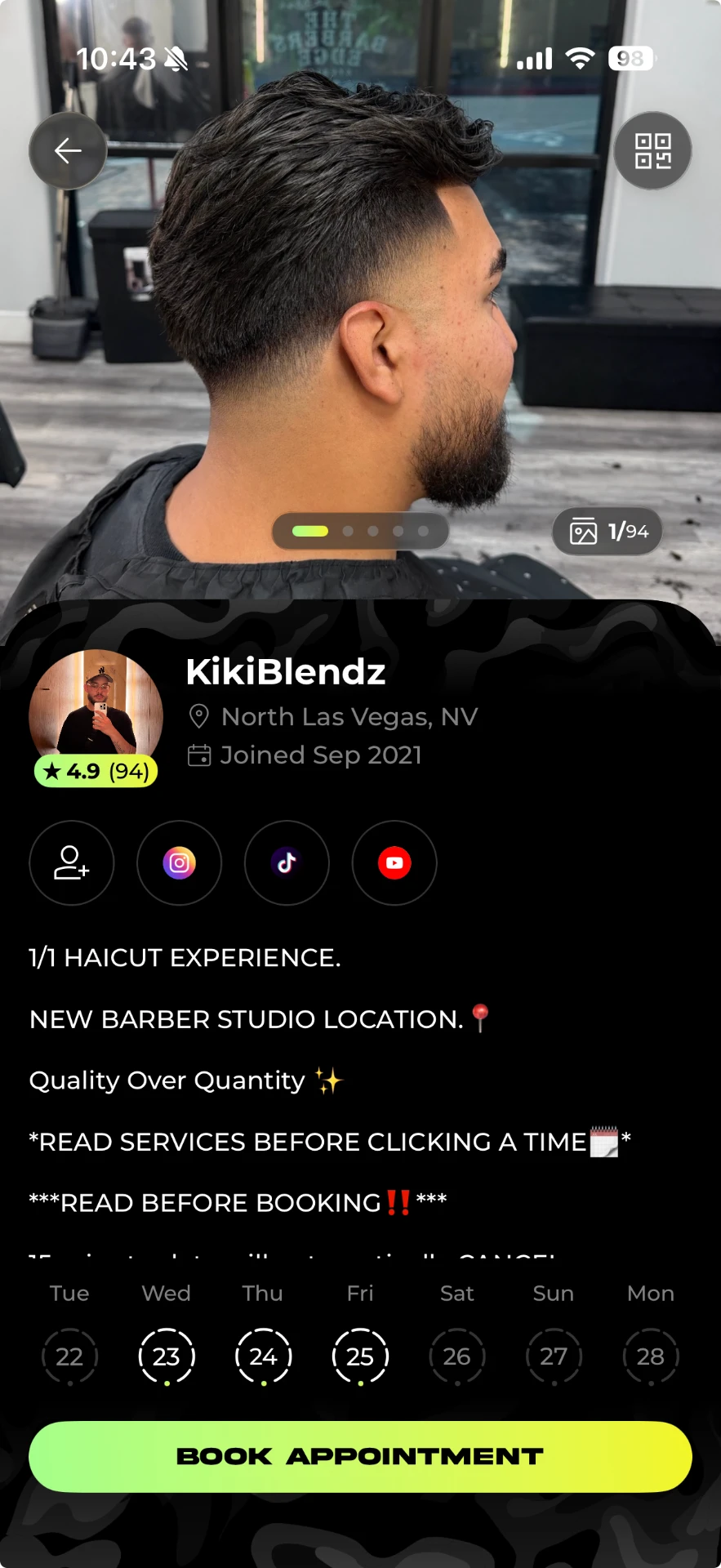
First, make sure you're bookable
Before worrying about how your profile looks, make sure clients can actually book an appointment with you.
Set your business hours
Choose the days and times you're available to accept appointments.
Keep your availability accurate so clients can confidently choose a time that works.
Add your business location
Add the location where you'll provide your services.
Your location helps clients understand where they're going and helps your profile appear in local discovery.
Create your services
Add at least one service so clients have something they can book.
At minimum: service name, price, and appointment duration. A description is strongly recommended.
5 parts of a strong profile
You don't need to copy someone else's profile. Use these five building blocks to create one that represents your business and gives clients the information they need.
Make yourself recognizable
Your profile photo creates a personal connection and helps clients know who they're booking before they arrive.
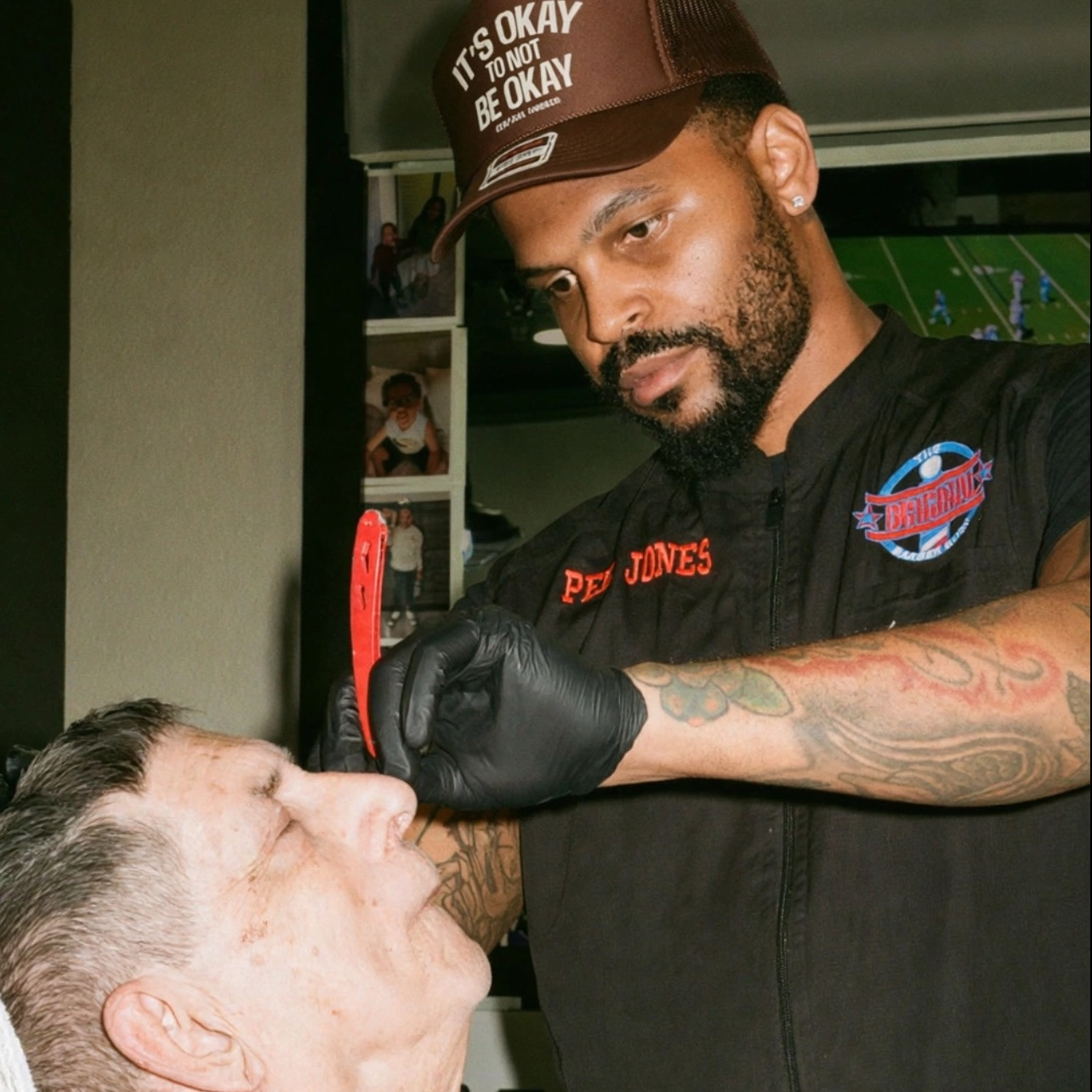
- Use a clear, current photo of yourself
- Make sure your face is easy to recognize
- Choose good lighting
- Look professional and approachable
- Keep your photo current
- Logos, flyers or anything that isn't a person
- Text or graphics laid over the image
- Shop photos or photos of your work
- Client photos
- Photos where your face is difficult to see
One gallery does all the work
Every photo on your profile lives in the same gallery at the top. The first photo is your cover. When a client taps it, the gallery opens into a full grid of your work. That gallery is your portfolio.
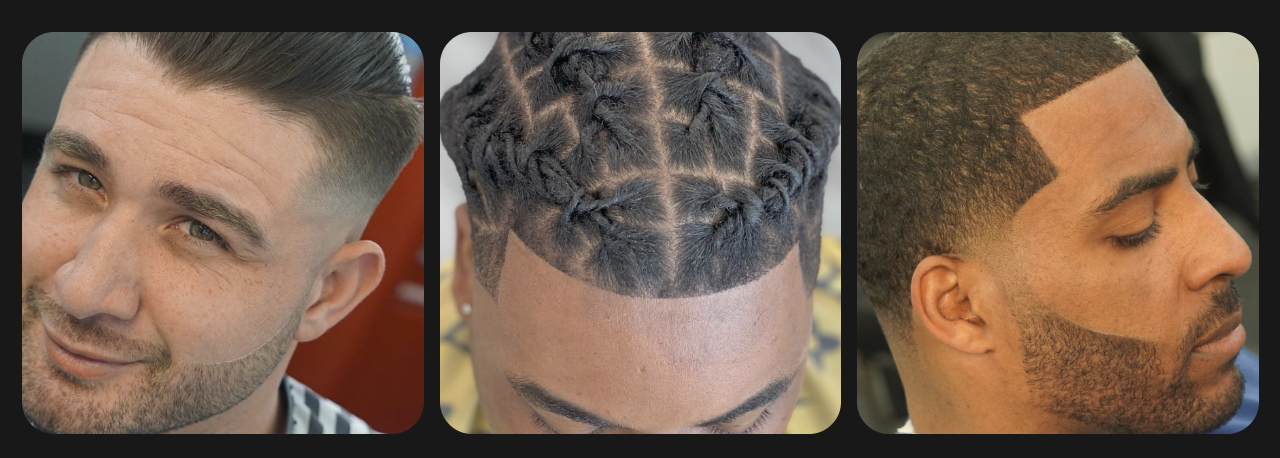
- Use clear, high-quality photos
- Show variety in styles, lengths and hair textures
- Feature the services you want more clients to book
- Add recent work regularly
- Keep lighting consistent so the grid looks like one body of work
- Blurry photos
- Heavy filters
- Outdated work that no longer represents your skill
- Filling the gallery just to have more photos
Tell them what it's like to sit in your chair
Your photos answer can they cut, your reviews answer can I trust them, your services and hours answer the logistics. The bio answers the one thing left: is this the kind of barber I want to sit with?
What you're known for
Name two or three things you're strongest at. Specific beats "I cut all hair types."
"Specializing in fades, tapers, beard work and textured cuts."
Experience and credentials
One short line. Your reviews and photos carry most of the proof, so keep it brief.
"Licensed barber, 8+ years behind the chair."
What your chair feels like
The most underrated line in the bio. Photos can't show this, so say it out loud.
"Laid-back chair, appointments start on time, and we agree on the look before I start."
Who you love to work with
Situations, not demographics: first-timers, kids, curly or coarse hair, big style changes.
"New clients and kids are always welcome, and I'm comfortable with big changes."
A little personality
One detail that makes you a person, not a listing. That's all it takes.
"Vegas born and raised, sneakerhead, Raiders fan."
- A single line like "Book now" or "Serious inquiries only"
- A wall of rules and cancellation policy. Put that in your booking notes
- 300 words of life story. Aim for 50 to 100 words a client can scan
- Vague claims like "I cut all hair types" that give nobody a reason to pick you
Show them where they're going
Your shop photos belong in that same gallery at the top, mixed in with your work, not kept somewhere separate. A couple of shots of the space is often what turns a nervous first-timer into a booking.
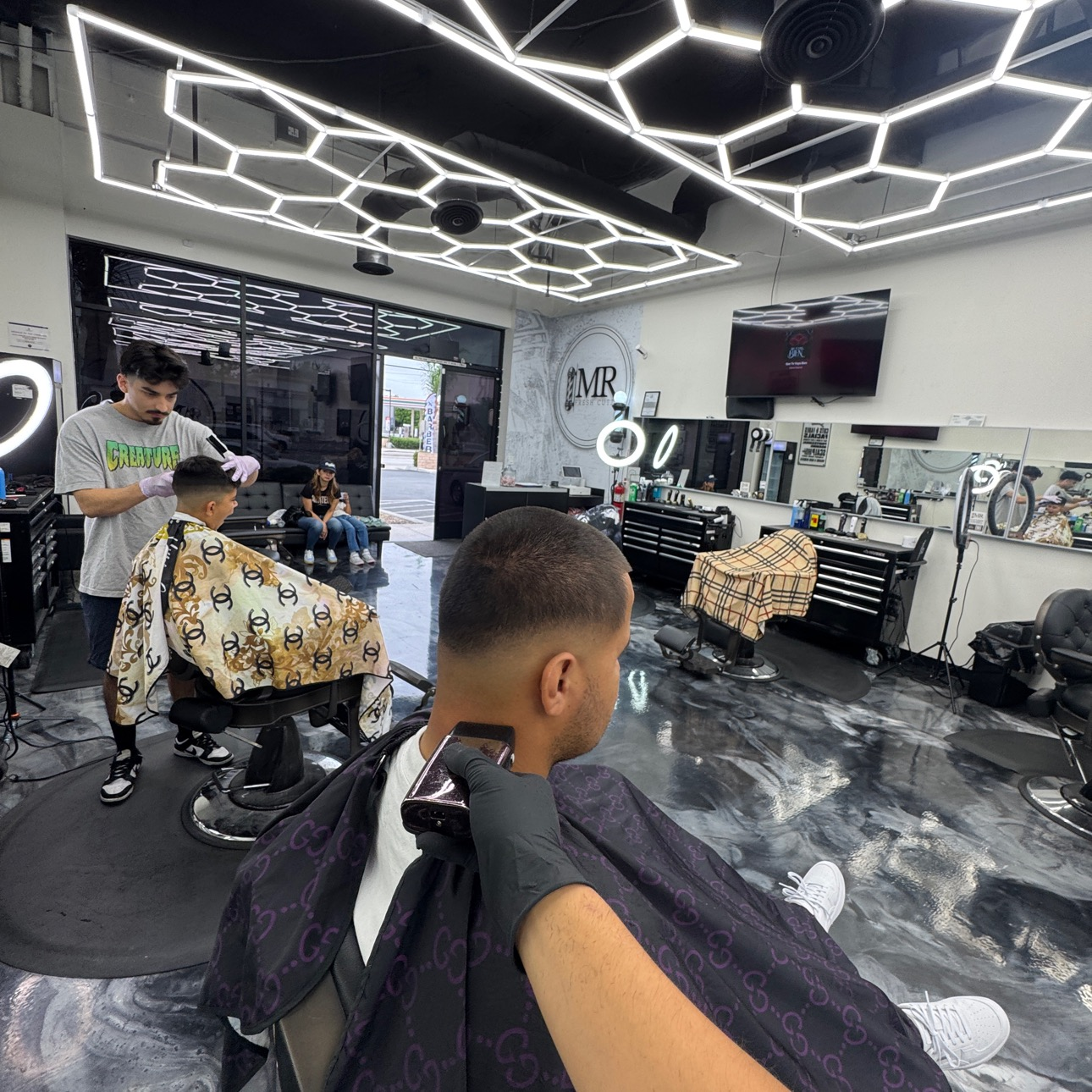
- Add 2–3 space photos to your gallery alongside your cuts
- Show the entrance if the shop is hard to find
- Show your station and where clients wait
- Shoot in daylight and keep the space clean
- Reshoot when you move or change the setup
- An empty or cluttered station
- Dark photos that hide the space
- Old photos after moving or changing your setup
Make it easy to know what to book
Your service menu should make choosing the right appointment simple.
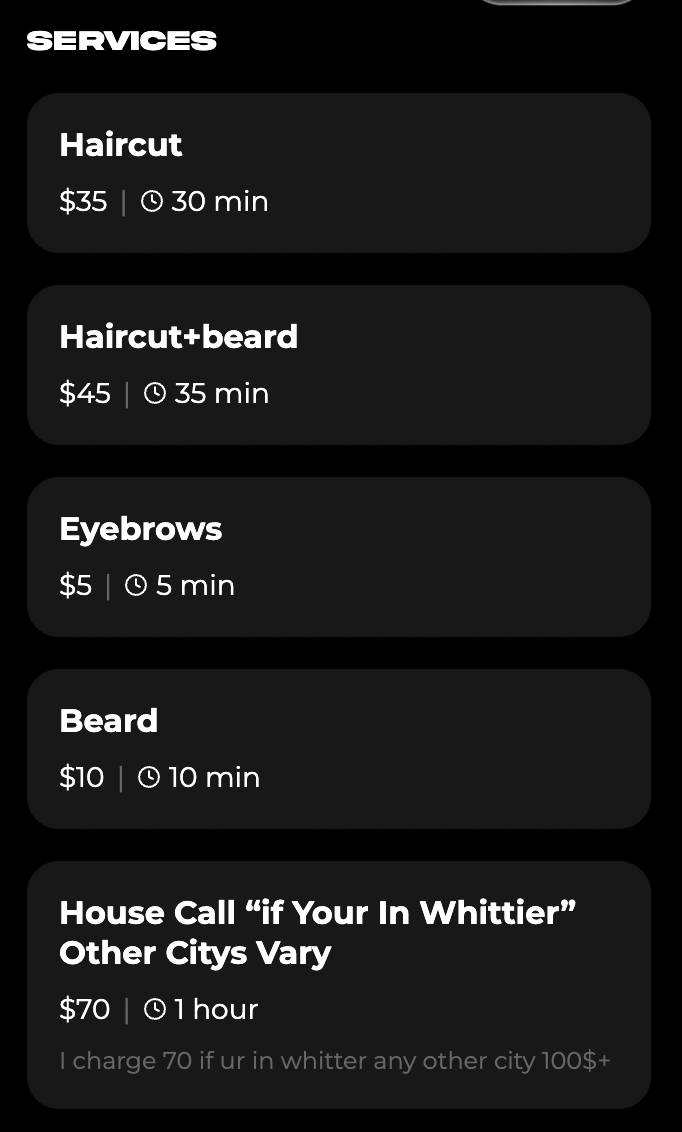
Service name
Use names clients can immediately understand.
Description
Explain what's included so clients know what they're booking.
Price
Keep pricing accurate and current.
Duration
Set realistic appointment times so clients know what to expect.
- Services with no description
- Outdated prices or appointment times
- Similar services without an explanation of the difference